
Which product should I add to my quote?
Ask Quincy for a recommendation based on your requirements, or review the key differences in the comparison table. You can add any product directly using the "Add to quote" button on its card.
Compare specs and pricing side-by-side, then add your choice to your quote.
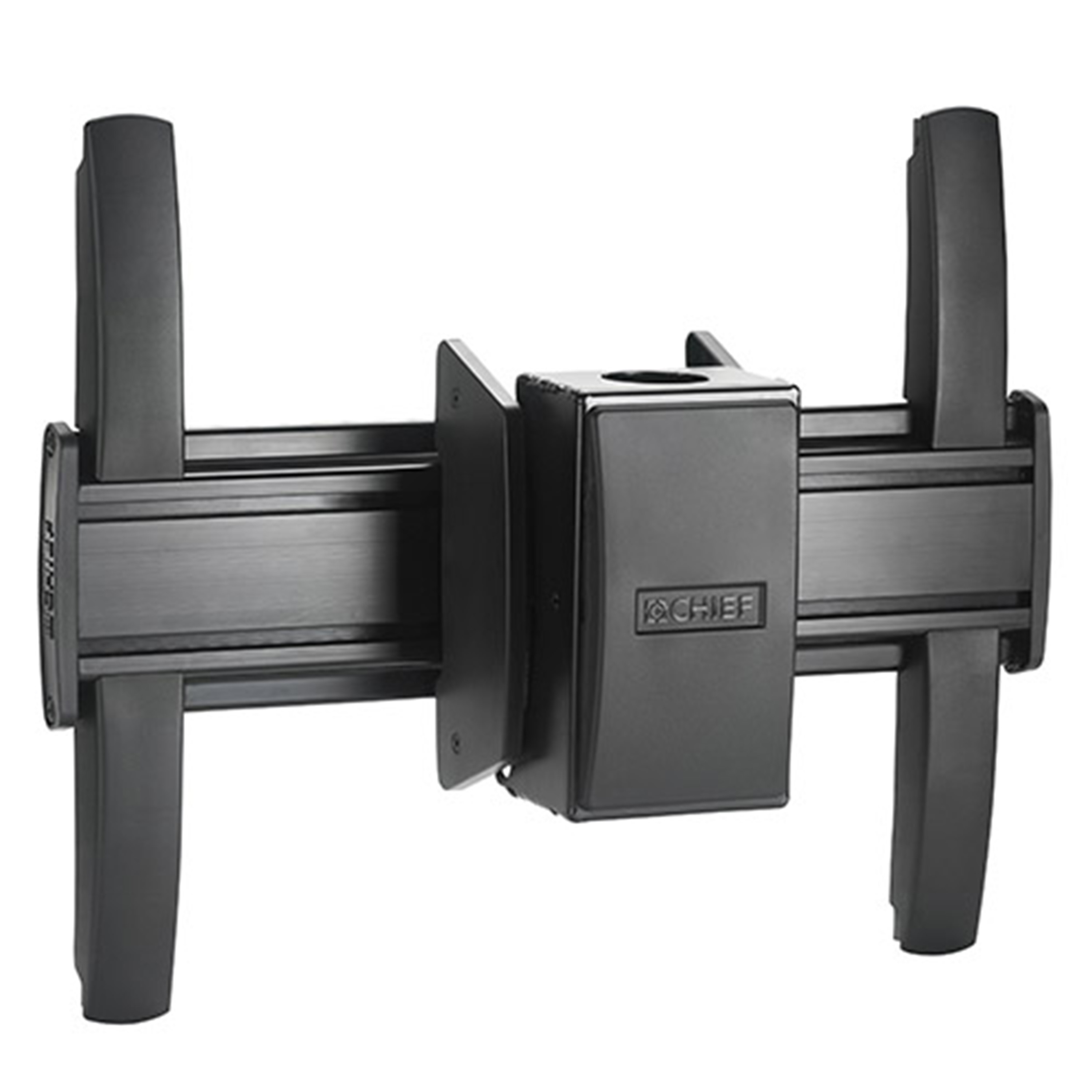
MCM1U
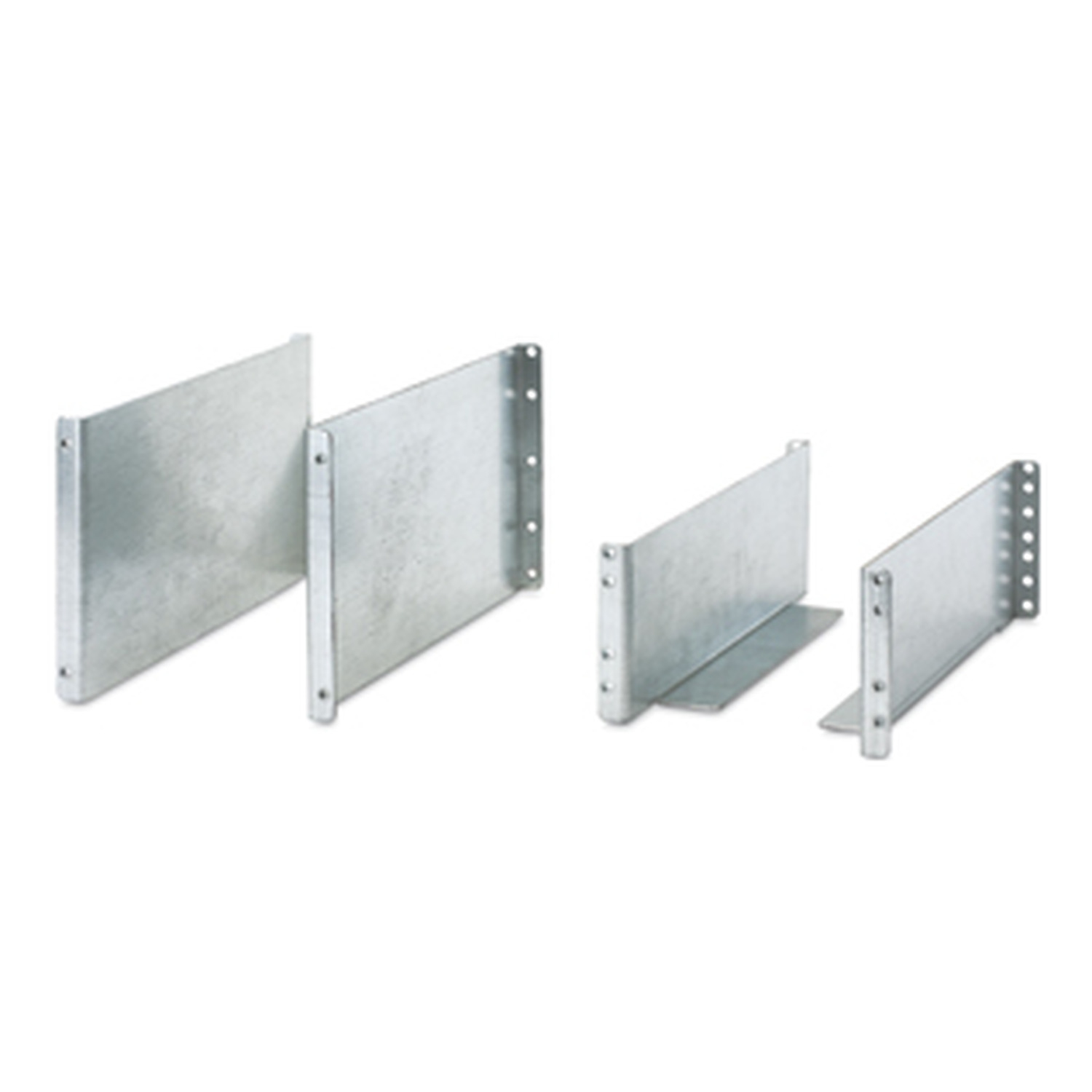
SYOPT12
Add Product 3
| Specification | Chief Fusion® Medium Flat Panel Ceiling Mount MCM1U | APC Symmetra LX/Symmetra RM Two Post Rail Kit SYOPT12 |
|---|---|---|
| SKU | MCM1U | SYOPT12 |
| Brand | Chief | APC |
| EAN | 00841872156194 | 00731304239611 |
| Availability | Low Stock | Out of Stock |
| Colour | Black | Silver |
| GTIN | 0731304239611 | |
| MPN | SYOPT12 | |
| Number of displays supported | 1 | |
| Maximum weight capacity | 56.7 | |
| Product colour | Black | Silver |
| Mounting type | Ceiling | |
| Weight | 3.55 kg | |
| Package dimensions (WxDxH) | 143 x 387 x 222 mm | |
| Package weight | 4.18 kg | |
| Dimensions (WxDxH) | 44 x 305 x 178 mm | |
| Name | Chief Fusion® Medium Flat Panel Ceiling Mount | APC Symmetra LX/Symmetra RM Two Post Rail Kit |
| Eans | 00841872156194, 05712505339190 | 00731304239611 |
| Product colour | Black | Silver |
| Maximum weight capacity | 56.7 | |
| Mounting type | Ceiling | |
| Number of displays supported | 1 | |
| Tilt angle range | -20 - 5 | |
| Compatible products | UL | |
| Weight | 3.55 kg | |
| Package dimensions (WxDxH) | 143 x 387 x 222 mm | |
| Package weight | 4.18 kg | |
| Total carbon footprint (kg of CO2e) | 14.94 | |
| Dimensions (WxDxH) | 44 x 305 x 178 mm | |
Product comparison guide
You're comparing Chief Fusion® Medium Flat Panel Ceiling, APC Symmetra LX/Symmetra RM Two Post. Review the key specification differences above, ask Quincy for a recommendation, then add the right product to your quote.
2 products currently selected for comparison.
Ask Quincy for a recommendation based on your requirements, or review the key differences in the comparison table. You can add any product directly using the "Add to quote" button on its card.
Necessary storage keeps Source secure and remembers your basket. With permission, anonymous performance data helps us understand searches and journeys that need improving.